
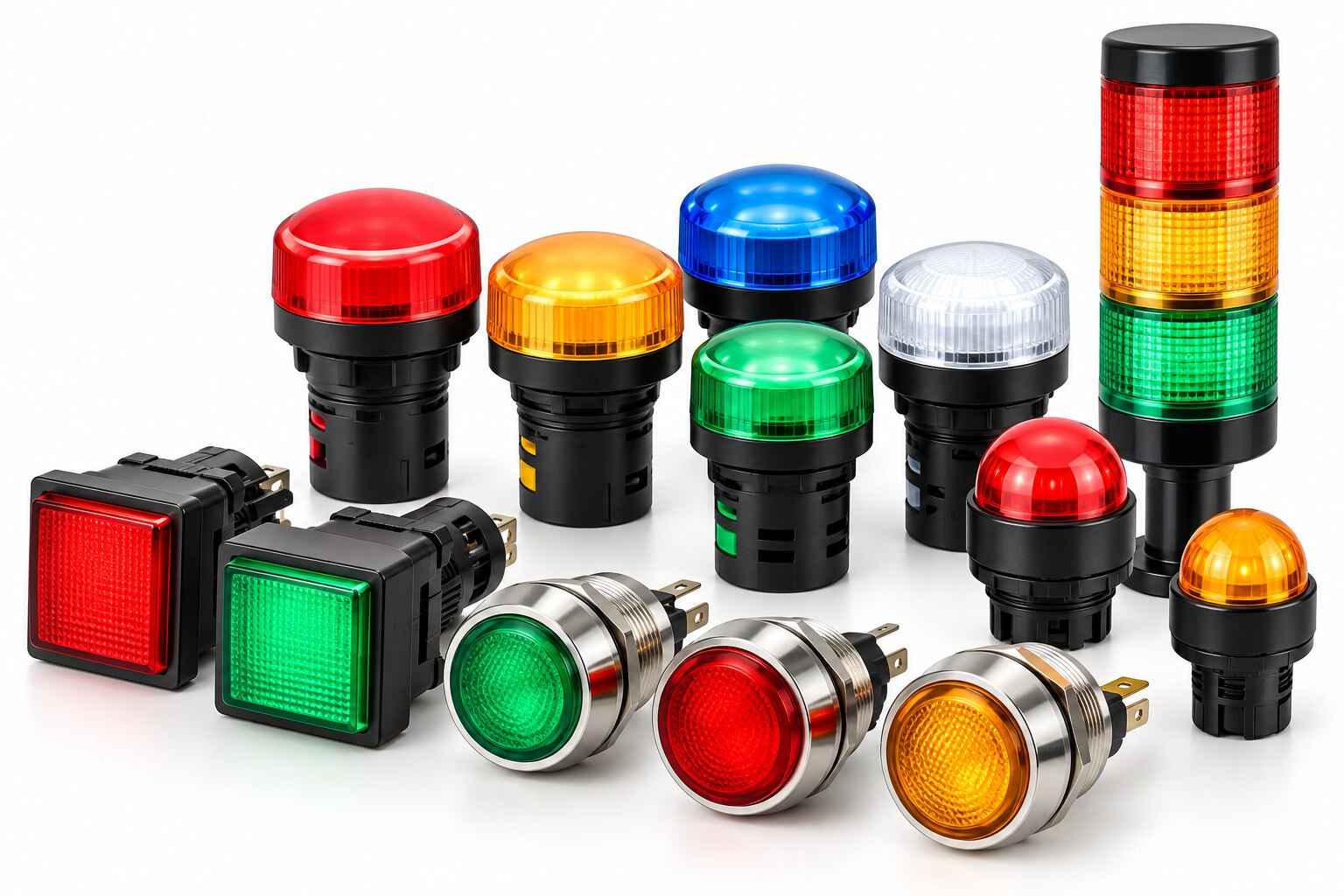
A panel light is useful only when its colour, brightness, wiring and failure behaviour give the operator an unambiguous answer. By the end, you will be able to define a status scheme, select a correctly rated indicator, wire it safely, and verify that it reports the real equipment condition rather than merely an electrical signal.
Key takeaways
- Write every LED meaning in the panel legend; never rely on colour alone.
- Use steady and flashing patterns only when operators can distinguish them reliably.
- Treat LED status as an indication, not proof that a circuit is healthy.
- Use displays, meters or alarms when one LED cannot convey enough information.
Define What Each Colour and Flashing Pattern Means
Write the meaning of every LED in the panel legend; never expect an operator to infer it from colour alone. IEC 60073 and IEC 60204-1 provide a useful starting convention, but site and legacy practices differ.
- Green running indicator: normal, safe or running state.
- Amber warning light: caution, abnormal condition or attention required.
- Red fault indicator: danger, trip, emergency stop or fault requiring immediate attention.
- Blue special condition: a mandatory operator action or defined special mode.
- White indicator: neutral, supply-present, general-purpose or confirmed status.
Add the signal name beside each lamp, such as MOTOR M1 RUN or PUMP P2 FAULT. A red/green distinction can be difficult for some users, and tinted doors, sunlight or a dirty lens can change the apparent colour.
Use a steady LED for a continuing state, such as enabled, running or power available. Use flashing only to attract attention to an unacknowledged or time-critical condition, and define the rate and duty cycle in the legend. A flash that is too fast looks steady; one that is too slow can resemble a failed lamp.
Do not use colour as the only critical-status cue. Pair it with a tag, symbol, text message or position, then record the colour, pattern, electrical function and replacement part in the panel drawings. A green lamp cannot by itself prove that a motor actually runs.
Separate Status Indication from Measurement and Diagnosis
An LED can tell you that a defined state or signal is present; it cannot tell you the measured voltage, current, pressure or cause of a fault. Green might mean a run command is present, not that the motor is turning.
If stopped, commanded-but-failed, open output wiring and unavailable PLC communications require different maintenance actions, separate command, feedback and fault indications. Otherwise, one green/off lamp creates an ambiguous result.
Use status indication versus measurement as a firm design boundary:
- Use a multimeter to measure circuit voltage, continuity and current.
- Use a voltage tester to verify whether conductors are energised before work. Never treat a dark LED as proof of isolation; it can fail dark, dim or intermittently.
- Use a pressure gauge, ammeter or other process instrument when the actual operating value matters.
- Use a feedback signal from an auxiliary contact, proximity sensor or encoder to confirm that the commanded movement occurred.
- Use a PLC diagnostics display for input states, output faults, communication loss, interlocks and fault codes.
A lamp-test pushbutton proves that the LED circuit can illuminate, not that the sensor, PLC logic, output contact or field wiring works. An automated proof-test must check that signal path.
Also investigate faint glow from solid-state output leakage before declaring a false machine state; use a specified interface relay, compatible input module or approved bleeder component.
Match the Indicator to the Circuit, Panel and Environment
Choose the indicator from the circuit outward: confirm voltage, current, polarity, terminals and output type before checking bezel style. A 24 VDC LED needs a permitted voltage range and polarity marking; a bare LED needs a calculated series resistor or constant-current driver.
A 230 VAC indicator must be rated for 50/60 Hz and protected by the circuit’s fuse or MCB.
| Option | Wiring requirement | Common failure |
|---|---|---|
| 24 VDC LED | Observe polarity; connect to the specified common and output | Reverse connection or excessive voltage |
| 230 VAC indicator | Verify live, neutral and insulation ratings | Using a DC-only lamp on AC |
| AC/DC indicator | Confirm the manufacturer’s AC range, DC range and terminals | Assuming “AC/DC” covers every voltage |
Match the lamp to the PLC output. A PNP (sourcing) output supplies the positive rail, while an NPN (sinking) output switches the return rail; connect the indicator common accordingly. Put the output common, indicator polarity and PNP and NPN arrangement on the wiring diagram.
An LED can stay dark with a healthy output when that common is wrong.
Check these installation points before ordering:
- Measure the panel-hole diameter, bezel depth, terminal type and rear clearance.
- Check operating temperature, gasket condition, mounting torque and cable-entry sealing; the finished panel’s IP rating depends on the complete assembly, not the lamp alone.
- Account for PLC or sensor off-state leakage, which can cause faint glow. Use a specified bleeder, interface relay or approved module; an arbitrary resistor can overheat the output.
- Suppress contactor, solenoid and motor transients at their source with a correctly selected diode, RC snubber or varistor.
Dollex Control Panel Accessories can help you compare the indicator’s terminal layout and panel cut-out with your control-panel drawing before assembly.
Related product
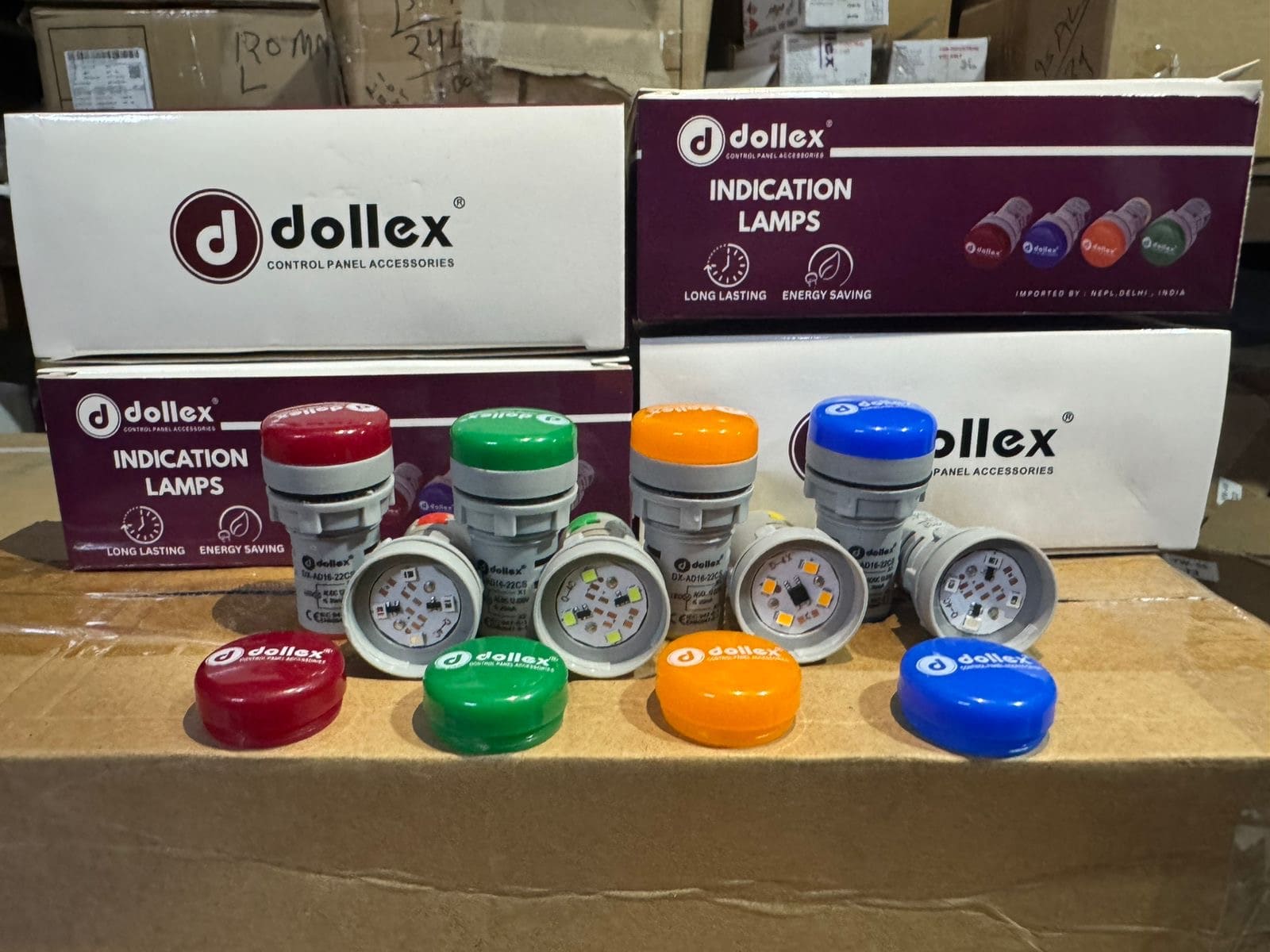 | The Dollex Indicator is a high-quality visual signaling device designed for control panels and industrial machinery. View product → |
Choose the Right Alternative When a Single LED Is Not Enough
Use a single LED indicator for one stable, low-information state: running, enabled, supply present or a defined fault. Choose another device when the operator must acknowledge a condition, see status from a distance, hear an alarm or investigate several possible causes.
| Option | Best use | Choose it when |
|---|---|---|
| LED indicator | One clear state | A steady signal is enough and the operator is near the panel |
| Illuminated push button | Command plus visual feedback | The operator must start, stop, reset or acknowledge at the same location |
| Stack light | Visible machine status | People need to read status across a production area; a tower light is the same type of device |
| Buzzer | Immediate audible attention | A fault or time-critical condition must be noticed without watching the panel |
| HMI | Text, trends and diagnosis | The user must distinguish command failure, missing feedback, communications loss and several alarm causes |
| Incandescent pilot lamp | Legacy or heat-tolerant indication | The existing circuit and replacement practice support it; do not mix it into a new scheme without checking its load and heat |
Do not treat an illuminated lamp as proof of safe isolation. An LED can fail dark, dim or intermittently, so use the isolator, lockout procedure and voltage tester for de-energisation.
A lamp-test button proves only that the indicator circuit can light. For useful diagnosis, show commanded state, field feedback and fault separately, or display the tested signal path on an HMI. Keep flashing for unacknowledged or urgent conditions; use steady light for persistent states.
Commission, Test and Maintain the Status Scheme
An indicator is proven only when its displayed state matches a known machine condition, not merely when its lens lights. During commissioning, compare each indication with the PLC status, field feedback and the machine’s actual condition.
- Run the lamp test to confirm that every LED, lens and circuit illuminates. Record failures, but do not treat this test as proof that sensors, outputs or field wiring work.
- Start, stop and isolate the machine in controlled conditions. Check that running, ready and power-present indications change at the correct points.
- Create each fault deliberately, such as opening a guard circuit or removing a feedback signal. Complete fault indication verification by confirming the correct red or amber lamp, flashing pattern and reset behaviour.
- Check that a commanded state and a confirmed state cannot be confused. If the motor command is present but feedback is absent, show the fault rather than “running.”
Place the approved colour legend beside the panel or in the operating instructions. Use IEC 60617 symbols where symbols are provided, and define every colour, flash rate and acknowledgement condition in the panel documentation; legacy conventions differ.
Record the LED’s rated voltage, polarity, terminals, replacement part and fuse reference. During maintenance, fit an electrically identical device, not merely one with the same bezel size. Inspect the gasket, cut-out and mounting torque after replacement, because the indicator’s IP rating does not prove the finished panel’s protection.
Frequently asked questions
What should each LED colour and flashing pattern mean?
Define every colour and pattern in the panel legend. Use IEC 60073 and IEC 60204-1 as starting points, then document site-specific and legacy conventions.
How does an LED indicator differ from measurement or diagnosis?
An LED reports a defined status signal; it does not measure voltage, current, temperature or fault severity. Use test instruments, meters, diagnostic relays or software when you need those details.
How do you choose an LED indicator for a panel environment?
Match the indicator’s voltage, current, ingress protection, temperature range, brightness, viewing angle, mounting method and terminal arrangement to the circuit and installation environment.
What should you use when a single LED is not enough?
Use multiple indicators, a stack light, numerical display, HMI, meter or alarm system when operators need several states, measured values, fault details or acknowledgement.
How do you commission and maintain an LED status scheme?
Test every input, colour, flashing pattern and legend during commissioning. Record the results, inspect brightness and connections during maintenance, and retest after circuit or logic changes.


