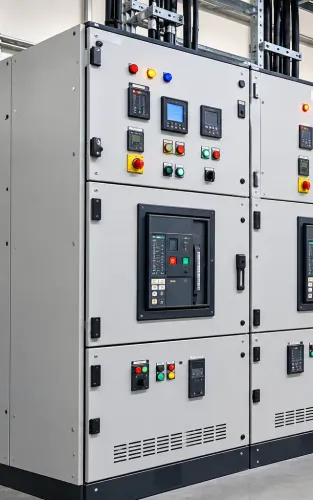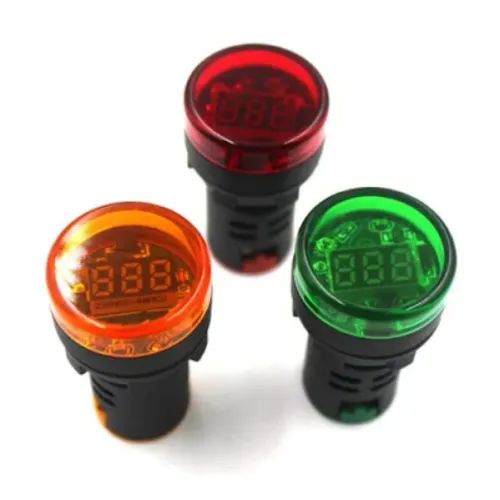
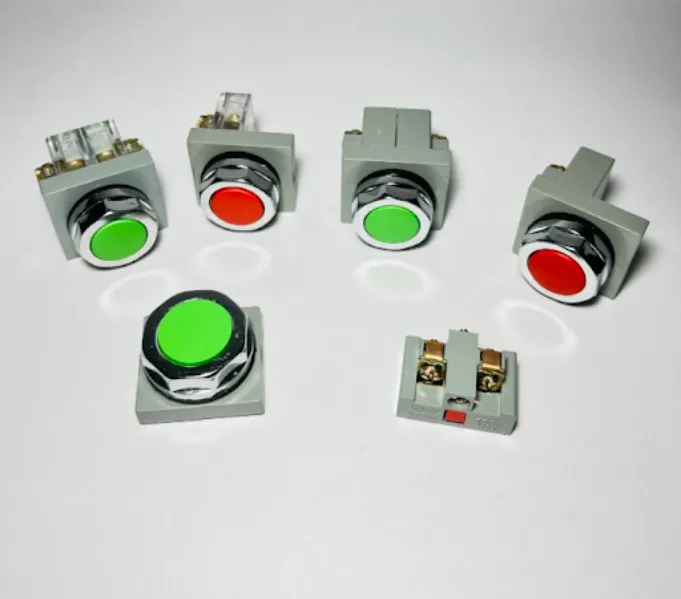
Push buttons are among the most familiar components on an industrial control panel, yet their selection affects usability, maintenance, and operator interaction with machinery. They provide a direct physical interface through which operators can start functions, stop processes, reset systems, or issue other control commands.
For panel builders and machinery manufacturers, choosing push buttons should therefore involve more than selecting a component that fits the panel cut-out.
Define the Function First
Every push button should have a clear role within the control system.
Typical functions include:
- Machine start
- Process stop
- Reset
- Jog control
- Manual command
- Sequence initiation
- Auxiliary control
The control circuit determines the required electrical contact arrangement and operating behaviour.
Momentary Operation Is Common
Many industrial push buttons are designed for momentary operation, meaning their contact state changes while the operator presses the button and returns when released.
Other applications may require different operating mechanisms.
Panel designers should identify the required behaviour during the circuit design stage. Selecting an unsuitable operating type can create confusion during commissioning or require unnecessary wiring changes.
Operator Experience Matters
Control panels should be easy to understand during normal operation.
Push-button placement can influence how quickly operators recognise and access important controls. Frequently used controls should be positioned logically, with adequate spacing to reduce accidental operation.
For machinery manufacturers, this becomes particularly important when several similar controls are located on one operator station.
Consider the Working Environment
A push button installed in a clean indoor control room faces different conditions from one mounted on production machinery.
Industrial environments may involve:
- Dust
- Oil
- Moisture
- Repeated operation
- Vibration
- Cleaning activity
- Temperature variation
The selected device should be suitable for its installation conditions and the required enclosure arrangement.
Check Contact Blocks During Selection
The visible operator is only one part of the push-button assembly. The contact arrangement behind the panel determines how the device interacts electrically with the control circuit.
Panel builders should confirm the required normally open or normally closed contacts and determine whether additional contact blocks are needed.
Planning these details before panel assembly reduces last-minute component changes.
Maintain Consistency Across Panels
OEMs manufacturing repeated machines can benefit from standardising operator components where practical.
Using consistent push-button families may simplify panel design, spare management, technician training, and replacement.
Industrial buyers in Delhi also benefit from maintaining clear component specifications when sourcing replacements for multiple control panels.
Inspect Worn Operator Devices
Frequently operated push buttons can eventually show signs of mechanical wear.
Maintenance teams should pay attention to sticking operation, loose mounting, damaged operators, unreliable contacts, or physical deterioration. A control component that operates inconsistently should be investigated rather than ignored.
Dollex Control Panel Accessories supplies products for electrical panel and industrial automation applications in Delhi. For push buttons, buyers should consider function, contact configuration, mechanical operation, mounting requirements, environmental conditions, and expected operating frequency.
The component may appear simple, but thoughtful selection helps create a control interface that is practical for operators and easier for maintenance teams to support.
Keywords